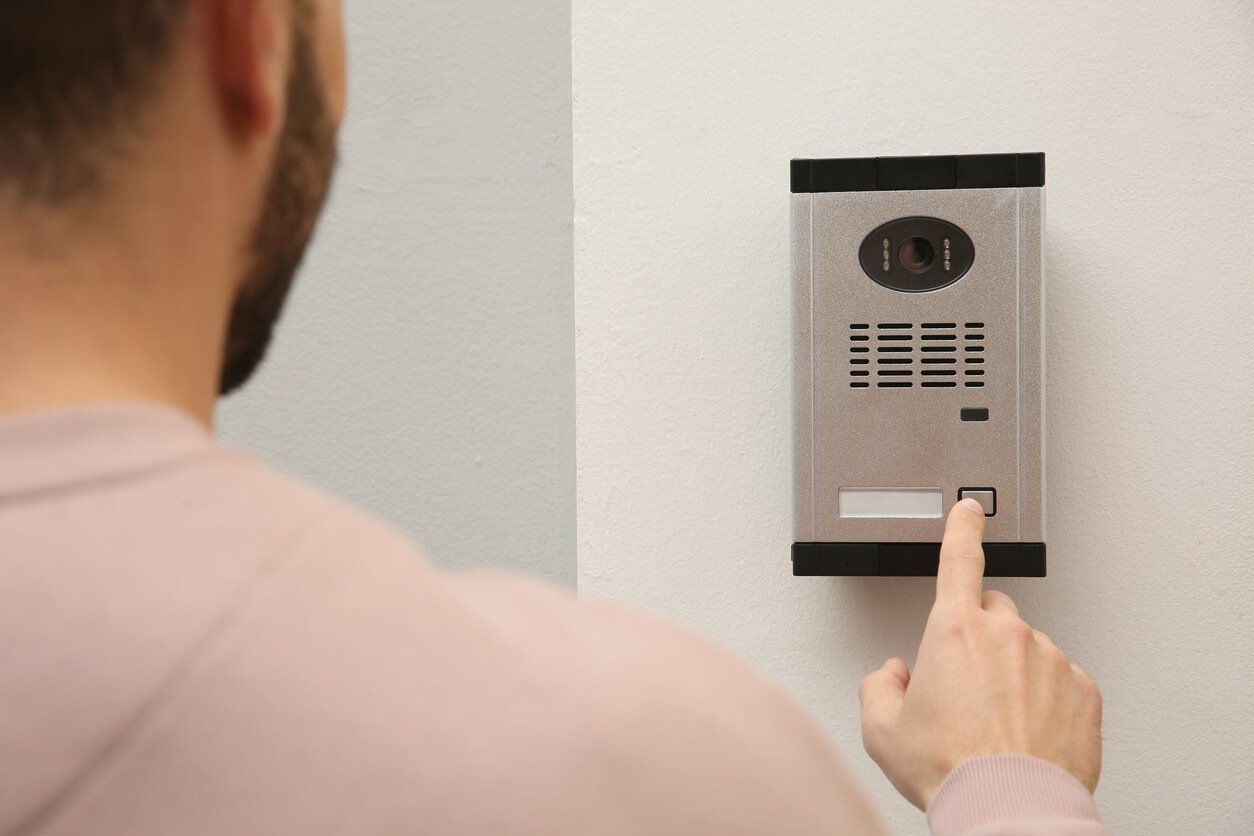
Intercom System in Egypt Main Unit
In an Intercom System in Egypt, often referred to as an internal communication system, the main unit plays a crucial role in facilitating audio communication between different locations within a building or community. Here are some essential elements that may be found on a main intercom unit:
- Call Buttons: Allow individuals to initiate communication with different units within the Intercom System in Egypt.
- Speaker: Broadcasts audio and conversations across the Intercom System in Egypt.
- Microphone: Captures the user’s voice for transmission to other units within the system.
- Display Screen: Shows call status, unit numbers, or video feed (if available) in Egyptian installations.
- Control Buttons: Used to adjust volume, mute, or select target units for communication.
- Camera: (Optional) Included in video intercom systems to display the person calling or being called, enhancing security.
- Alarm/Emergency Button: Sends alerts or emergency signals when pressed.
- Headphone Jack: Enables private audio communication through connected headphones.
- Power Button: Turns the system on or off.
The design and features of the main unit may vary depending on the system type (residential, commercial, or industrial), but all aim to enhance communication, improve security, and ensure user convenience in Intercom System in Egypt.
Key Features of Telephones in Intercom Systems in Egypt
In an Intercom System in Egypt, an integrated telephone plays a vital role in facilitating communication between various locations within a building or complex. Below are the key components and features commonly found in such telephones:
- Microphone and Speaker: The microphone captures the user’s voice, while the speaker outputs audio from the other end in Intercom System in Egypt.
- Earpiece (Receiver): Used for listening to incoming audio privately during a call.
- Call Buttons: Allow users to initiate, answer, or end calls. Some models also include buttons for emergencies or quick access to functions within Egyptian systems.
- Display Screen (if available): Displays caller ID, call status, or system settings for Intercom System in Egypt.
- System Control Buttons: Used to manage intercom functions, such as selecting other units to call or adjusting the speaker/microphone volume.
- Power Button: Turns the telephone unit on or off.
- Hook Switch: Automatically initiates or ends a call when lifting or placing the handset.
- Headphone Jack: Provides the option to use headphones for hands-free or private communication.
- Volume Control: Adjusts the volume level of the speaker or receiver during a call.
- Alarm or Emergency Button: A dedicated button to alert staff or security in emergency situations.
- Keypad (if available): Allows users to input numbers, codes, or extensions for more advanced functionality.
The telephone’s design and functionality may vary depending on the system type—whether for residential, commercial, institutional, or industrial applications in Intercom System in Egypt.